

Download Daydream – VR app, virtual reality, mobile VR, Daydream app, immersive experience, VR games, VR cinema
Overview
Daydream is a free virtual reality application designed to enhance the mobile VR experience for users with compatible devices. The software serves as a unified platform for accessing immersive content, including games, interactive environments, and a personal VR cinema. It is specifically tailored for individuals seeking an engaging and accessible way to explore virtual reality without the need for high-end hardware. The application is intended for consumers and enthusiasts interested in mobile-based VR experiences, particularly those already using or planning to use Daydream-compatible smartphones and headsets.
Developed by Google, Daydream was introduced in November 2016 as part of a broader ecosystem aimed at standardizing mobile VR. It was designed to work seamlessly with a curated list of Android and iOS devices that met specific hardware requirements. The software enables users to navigate virtual environments through intuitive controls, browse a library of VR content, and personalize their experience based on preferences. Real-world usage scenarios include entertainment, casual gaming, immersive media consumption, and educational exploration within virtual spaces.
Key Features & Capabilities
- Immersive VR Experience – Provides a fully interactive 3D environment accessible through compatible VR headsets, allowing users to explore digital worlds as if they were physically present.
- VR Cinema – Offers a personal virtual theater where users can watch videos and films in a simulated cinema setting, enhancing the viewing experience with spatial audio and panoramic visuals.
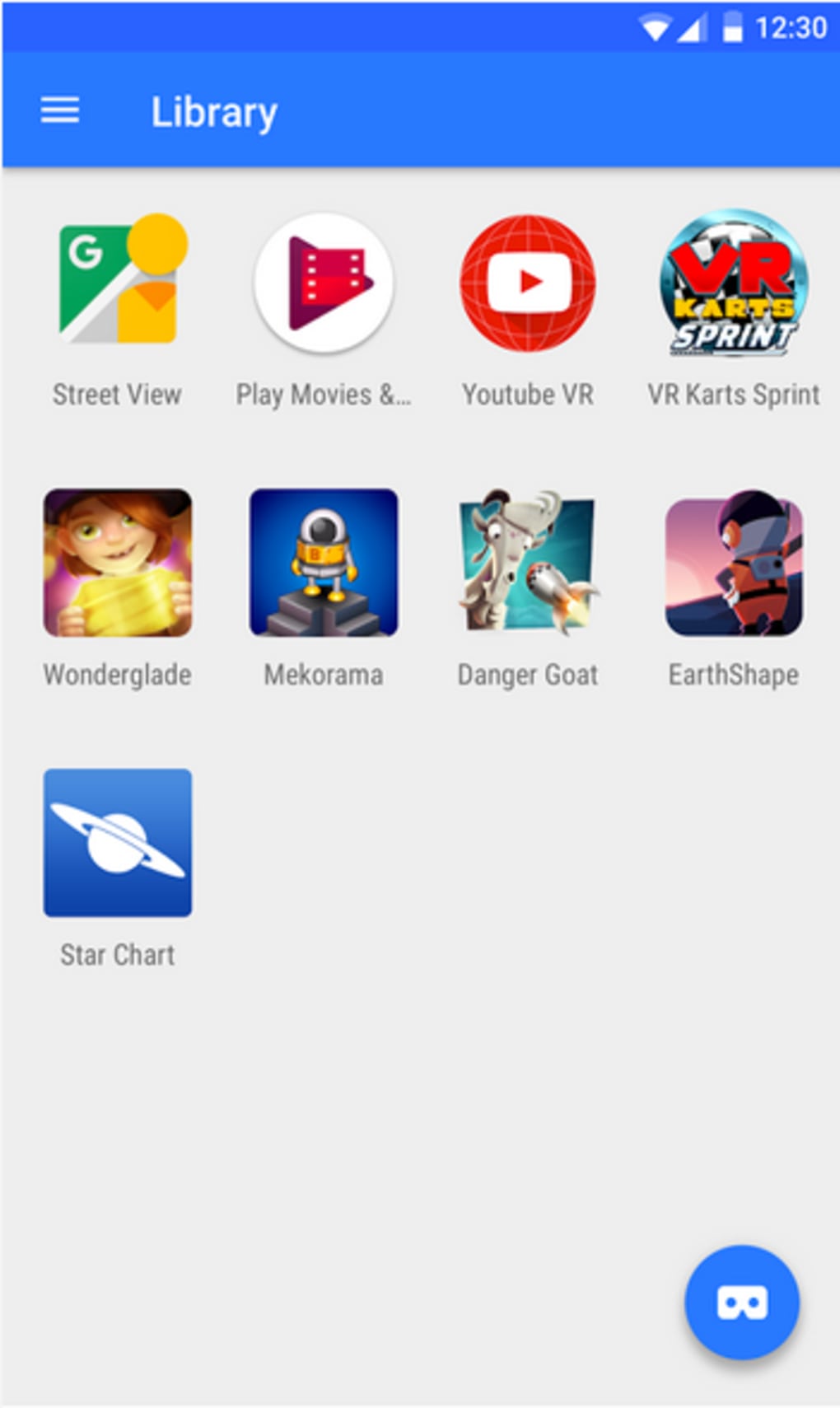
- Game Library Access – Enables users to browse and play a wide variety of VR games optimized for mobile devices, supporting both single-player and interactive multiplayer experiences.
- Customizable Interface – Allows users to tailor the home screen, navigation layout, and content recommendations to suit individual preferences and usage habits.
- One-Touch App Integration – Supports quick installation and launching of additional VR-compatible applications directly from the VR settings or through touch controls on the mobile device.
These features are designed to streamline access to VR content and reduce friction in setup and navigation. For example, users can enter a VR cinema session with a single tap, immediately immersing themselves in a virtual movie theater. Similarly, game selection and launching are optimized for gesture-based navigation, minimizing the need for complex inputs. The integration with mobile apps ensures that users can expand their VR experience beyond native content.
User Interface, Workflow & Performance
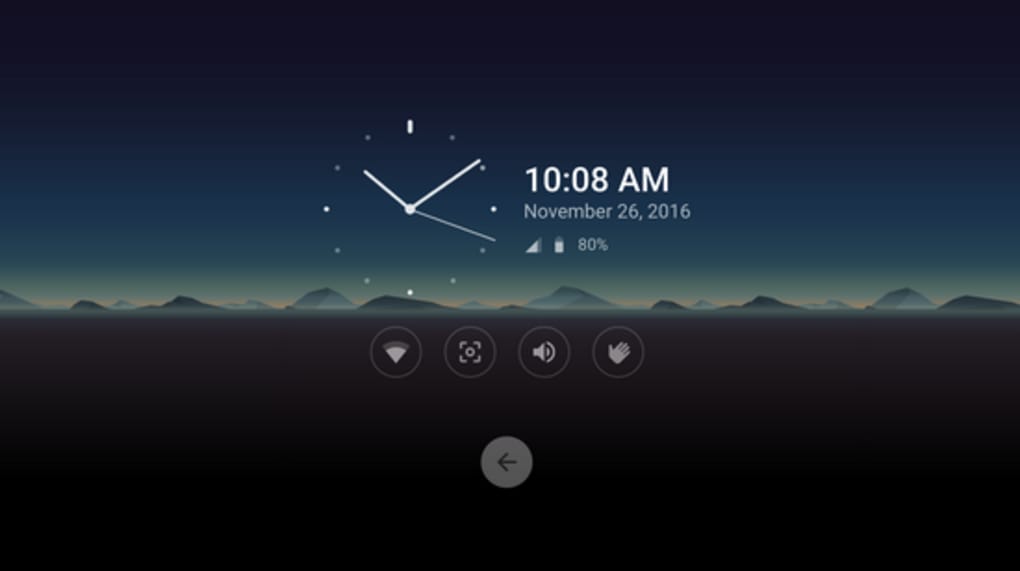
The user interface of Daydream is structured around a central hub that serves as the main navigation point. From this hub, users can access the VR cinema, game library, settings, and third-party app integrations. Navigation is primarily gesture-based, using a handheld controller or touch-sensitive inputs on the mobile device. The layout is clean and minimalistic, emphasizing content visibility and ease of access.
Workflow efficiency is enhanced by the one-touch launch system, which reduces the number of steps required to begin a VR session. The application is designed to load quickly once the headset is activated, though exact performance details were not specified. The developer did not provide additional system requirements or performance benchmarks. General software behavior patterns suggest that performance may vary depending on the device’s processing power and display capabilities.
Stability and resource usage are not explicitly documented. However, as a mobile VR platform, it is expected to manage CPU and RAM usage efficiently to maintain smooth frame rates and reduce motion sickness. The developer did not specify whether background processes are minimized or how the application handles interruptions.
Compatibility & System Requirements
Daydream is compatible with Android and iOS operating systems, supporting devices that meet the Daydream certification standards. The application requires a smartphone with a compatible display, high refresh rate, and sufficient processing power to render VR content smoothly. Specific hardware requirements were not listed, and the developer did not provide detailed information on minimum or recommended specifications.
Installation size is 200 MB, which is relatively modest for a VR application. This size may accommodate the core runtime, default assets, and basic UI components. The software version is 1.0, indicating an initial release. The application was released on November 10, 2016, and is available at no cost to users.
Platform compatibility information is limited. While the software is intended for use with Daydream-compatible headsets, the developer did not specify which models are supported. Users are advised to verify device compatibility through official sources.
Pros and Cons
Pros
- Free to download and use, reducing entry barriers for new VR users.
- Offers a curated library of VR games and immersive experiences.
- Includes a personal VR cinema for enhanced media consumption.
- Supports one-touch access to apps and content, improving usability.
- Developed by Google, ensuring a level of integration with mobile ecosystems.
Cons
- Requires a Daydream-compatible smartphone and headset, limiting accessibility.
- No official updates or support information has been provided since release.
- Compatibility with newer devices is uncertain due to the age of the software.
- Performance and resource usage details were not disclosed.
- Platform is no longer actively maintained, which may affect long-term usability.
FAQ Section
Is Daydream compatible with all smartphones?
Daydream is only compatible with smartphones that meet the Daydream certification standards. Not all Android or iOS devices are supported, and users should verify their device’s compatibility with official specifications.
Is the software secure to download and use?
As a free application developed by Google and released through official channels, Daydream is considered secure. However, users should only download it from trusted sources to avoid potential risks.
Does Daydream require an internet connection?
While some features may function offline, such as viewing locally stored media, many VR experiences and app downloads require an active internet connection for full functionality.
Can I update Daydream after installation?
Official update information for Daydream is not available. Given the release date of 2016, it is unlikely that the software receives current updates or support.
Is Daydream available for offline use?
Yes, certain content such as downloaded games or videos can be accessed offline. However, the application may require an initial online setup and periodic validation to maintain access to features.
Final Thoughts
Daydream represents an early attempt to bring high-quality virtual reality to mobile users through a unified, user-friendly platform. While it offers a compelling set of features including VR cinema, game access, and customizable navigation, its long-term viability is limited by its age and lack of ongoing support. The application remains a notable example of mobile VR development, particularly for users with certified devices.
For those with compatible hardware and a nostalgic interest in early VR ecosystems, Daydream still provides a functional experience. However, modern alternatives may offer better performance, broader compatibility, and more frequent updates. The software’s free nature and Google-backed development are strong points, but its outdated status makes it less suitable for new users.
Download Daydream now and explore the evolution of mobile VR with a platform that helped shape the industry.





.png)

